Standards and clauses give controlled documents a consistent compliance structure. Add the standards your organisation follows, then add the relevant clauses beneath each one.
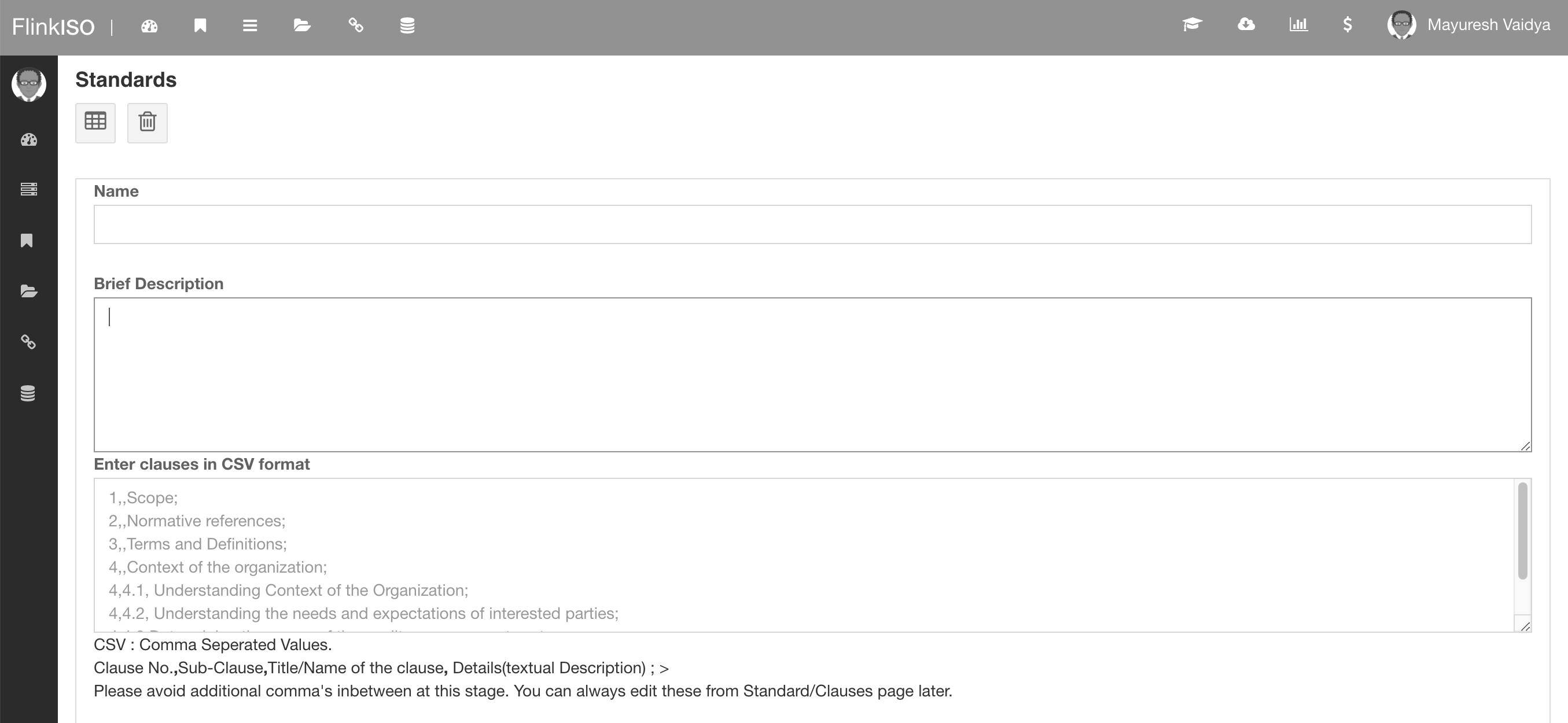
Add a standard
- Open Standards from the application menu.
- Add the standard name and identifying information used by your organisation.
- Save the record and open it to add clauses.
- Repeat only for standards actively used by the QMS.
Add clauses
Enter the clause number and title exactly as your organisation references them. Parent and child clauses can be represented according to your compliance structure. Documents and custom forms can then be linked to the appropriate clause.
Update a clause
Edit a clause when its title or internal description changes. Before changing its number or parent, review documents and forms already linked to it so reporting remains clear.
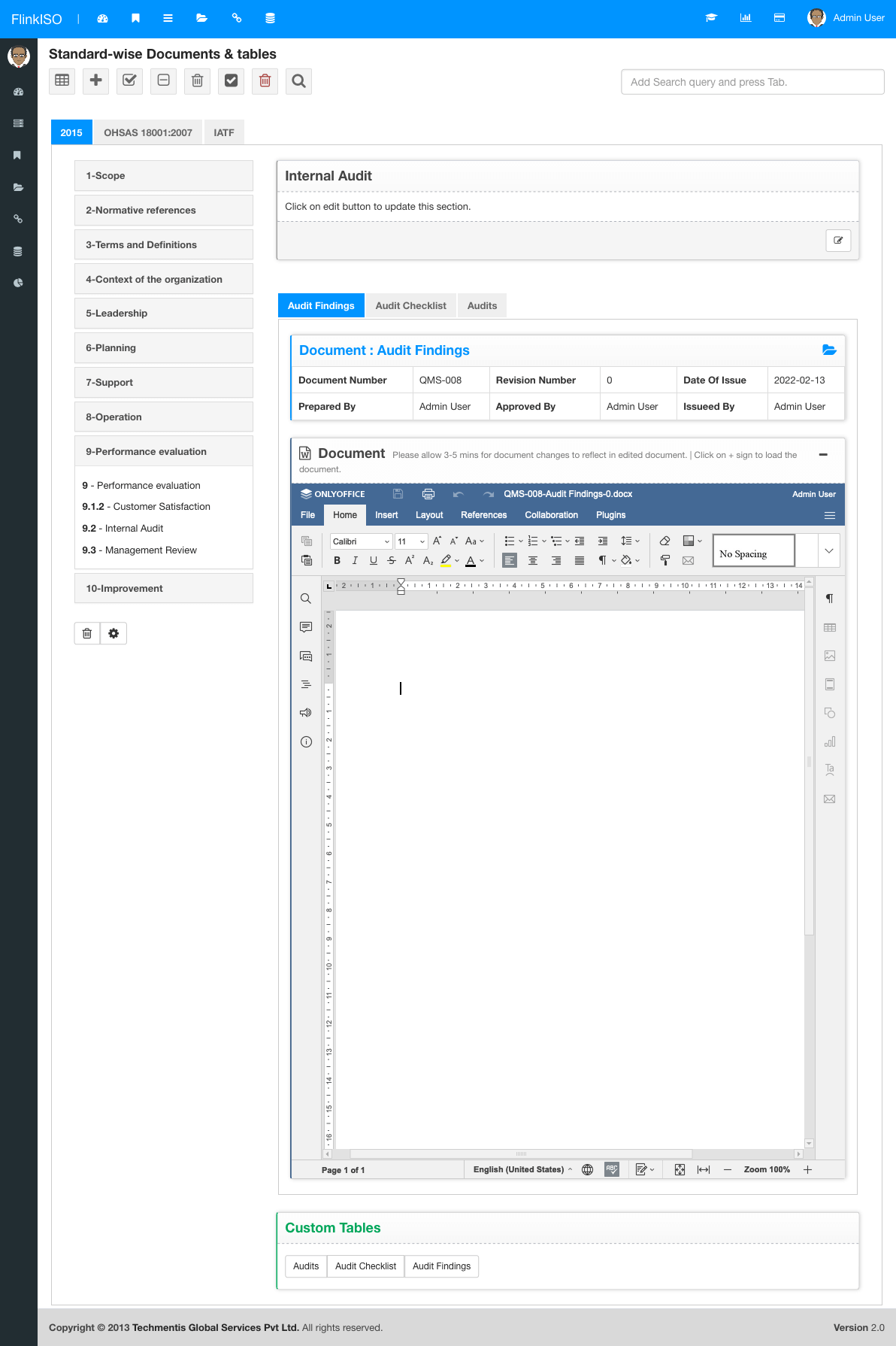
Use the standard’s official structure. Add only the clauses required by your QMS scope, and keep numbering consistent across documents, audits and reports.