Version control combines the office editor’s review tools with the FlinkISO document record. Use it to distinguish draft edits from an approved and issued revision.
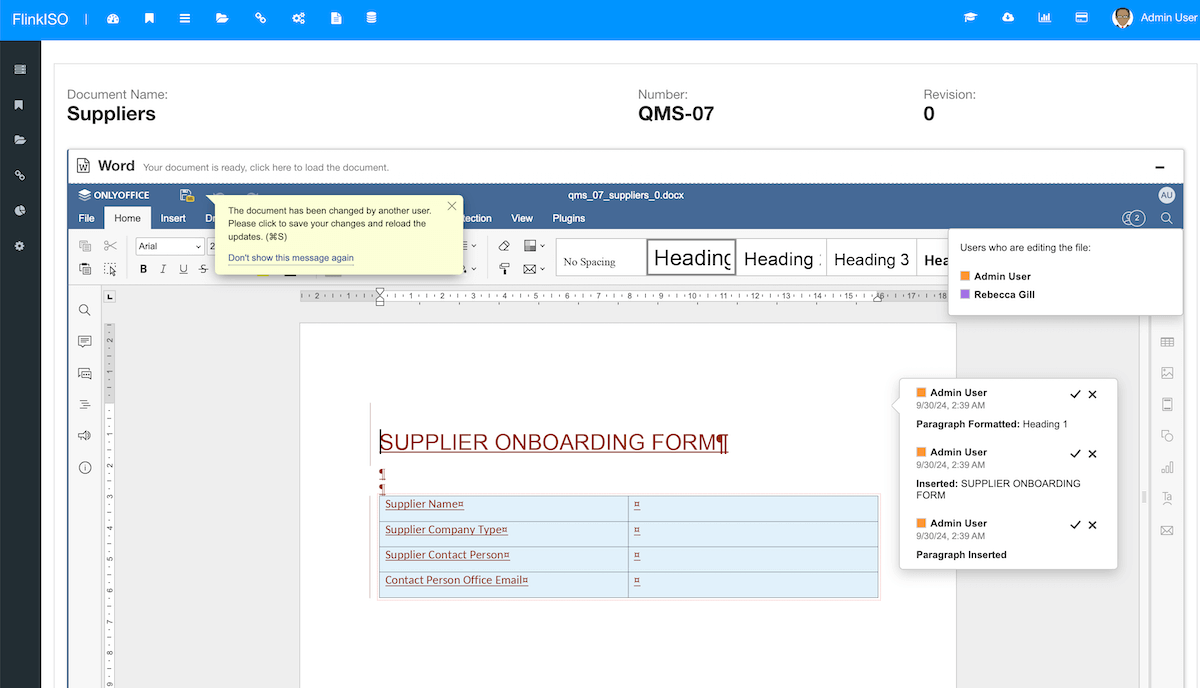
Track changes during editing
- Open the document in ONLYOFFICE.
- Enable track changes before editing when revisions require review.
- Add comments where the reason for a change needs explanation.
- Save and close the editor after the collaboration session.
Compare versions
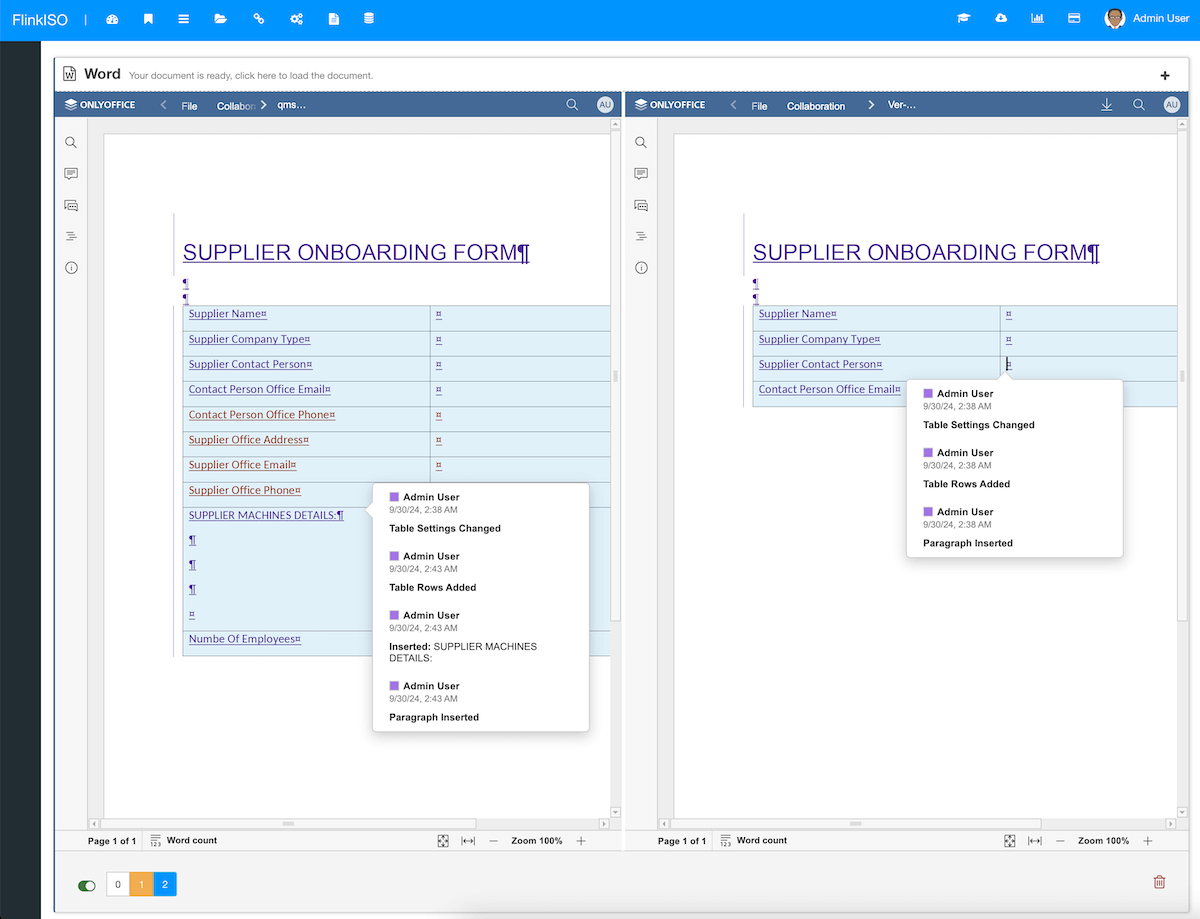
Open the available document history or comparison action to review versions side by side. Confirm that accepted changes match the approved request before a new controlled revision is published.
Issue a new revision
Update the controlled document revision through the organisation’s change-control process. Keep the change request, approval response and issue details connected to the new revision. Do not overwrite historical records simply to make the current file look clean.
Editor history and QMS revision are related but different. Editor history helps review file changes; the controlled revision records the approved issue state in the QMS.