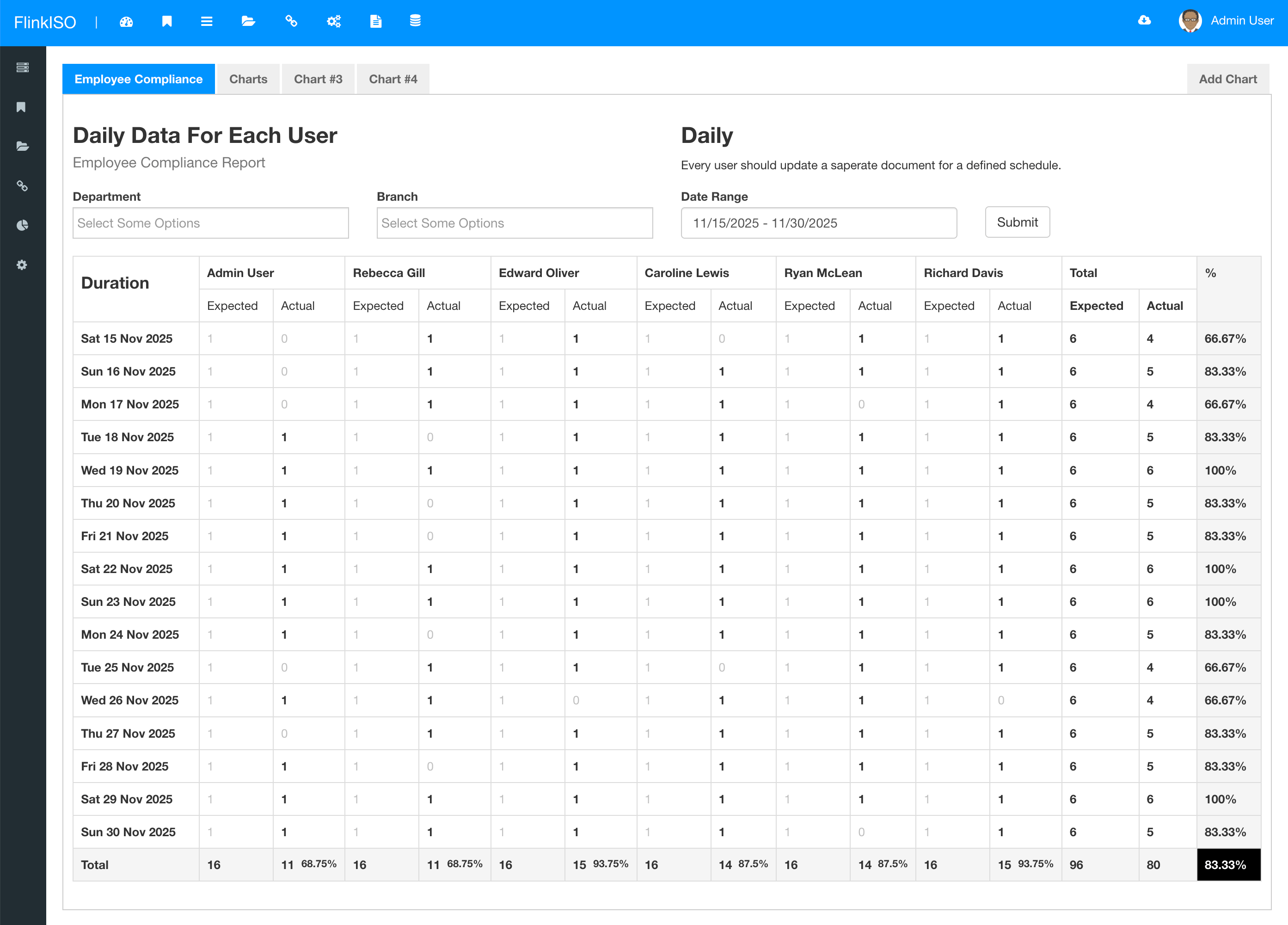
The Employee Compliance Report helps administrators review the QMS records associated with a person. Its results depend on accurate employee masters, document sharing, training data and user access.
Run the report
- Open the employee or reporting section available to your role.
- Select the employee and the applicable report filters.
- Generate the report.
- Review missing, pending or completed items and follow the linked records.
Interpret results
A missing item may indicate incomplete training, document distribution, employee organisation details or report criteria. Confirm the employee’s branch or location, department, designation and active status before changing the controlled record.
Keep the report reliable
- Maintain employee and user links.
- Close or reassign outstanding tasks when responsibilities change.
- Keep document revision and training records current.
- Review access separately; the report does not replace permission testing.