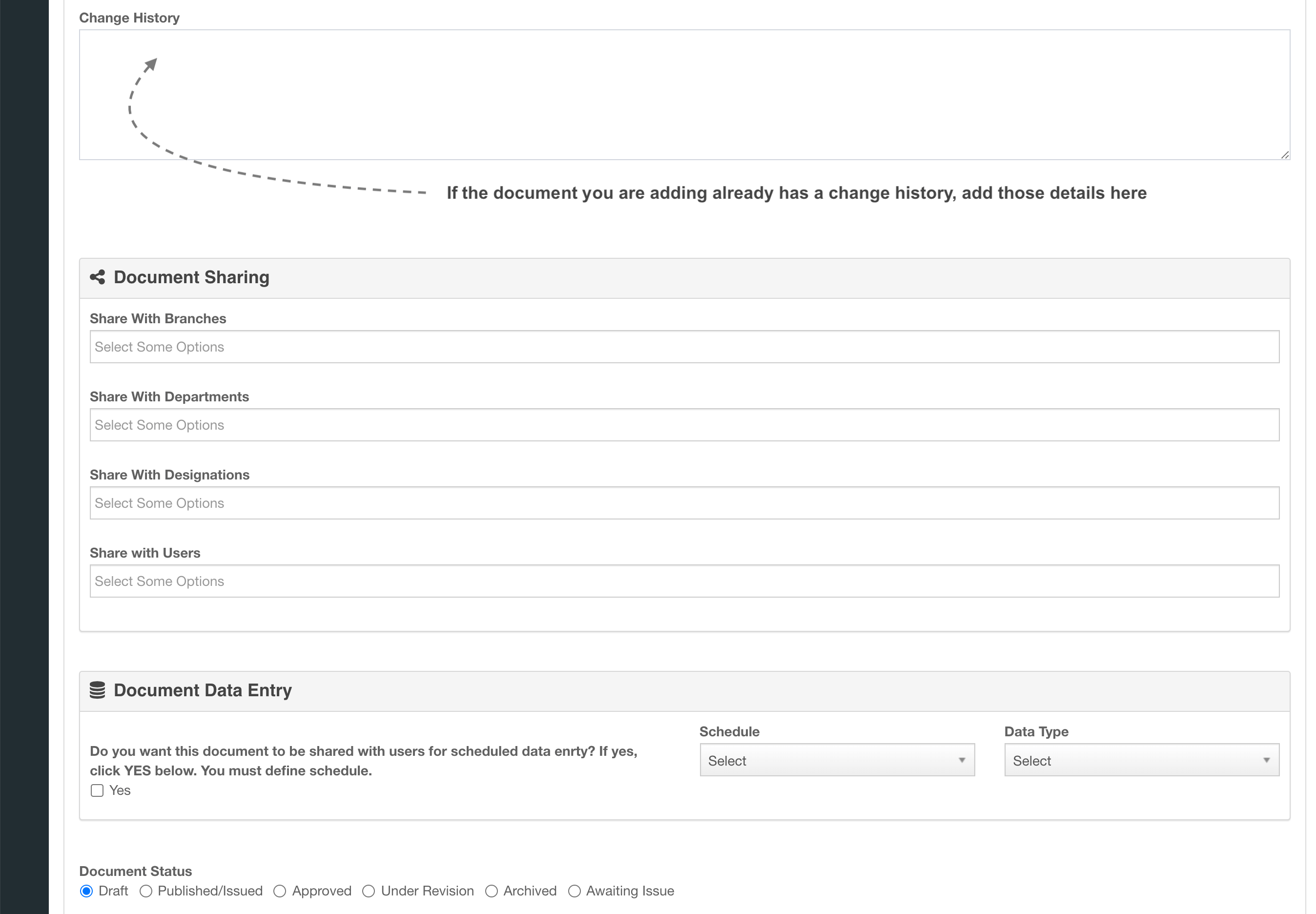
A controlled document is the centre of a FlinkISO record. It carries its document number, revision, issue details, ownership, standard and clause links, sharing rules, approvals and any generated HTML form.
Prepare document structure
- Create document categories that match the way the QMS classifies policies, procedures, forms and records.
- Confirm standards and clauses are available.
- Confirm employees and users exist for prepared-by, approved-by and issued-by responsibilities.
- Prepare the office file or template that will become the controlled document.
Add a controlled document
- Open Documents and select Add.
- Enter the title, document number, revision, category, standard, clause and process links.
- Select prepared-by, approved-by and issued-by employees as required.
- Upload the office file or create the document from an available template.
- Set sharing and any approval requirements, then save.
Additional and linked documents
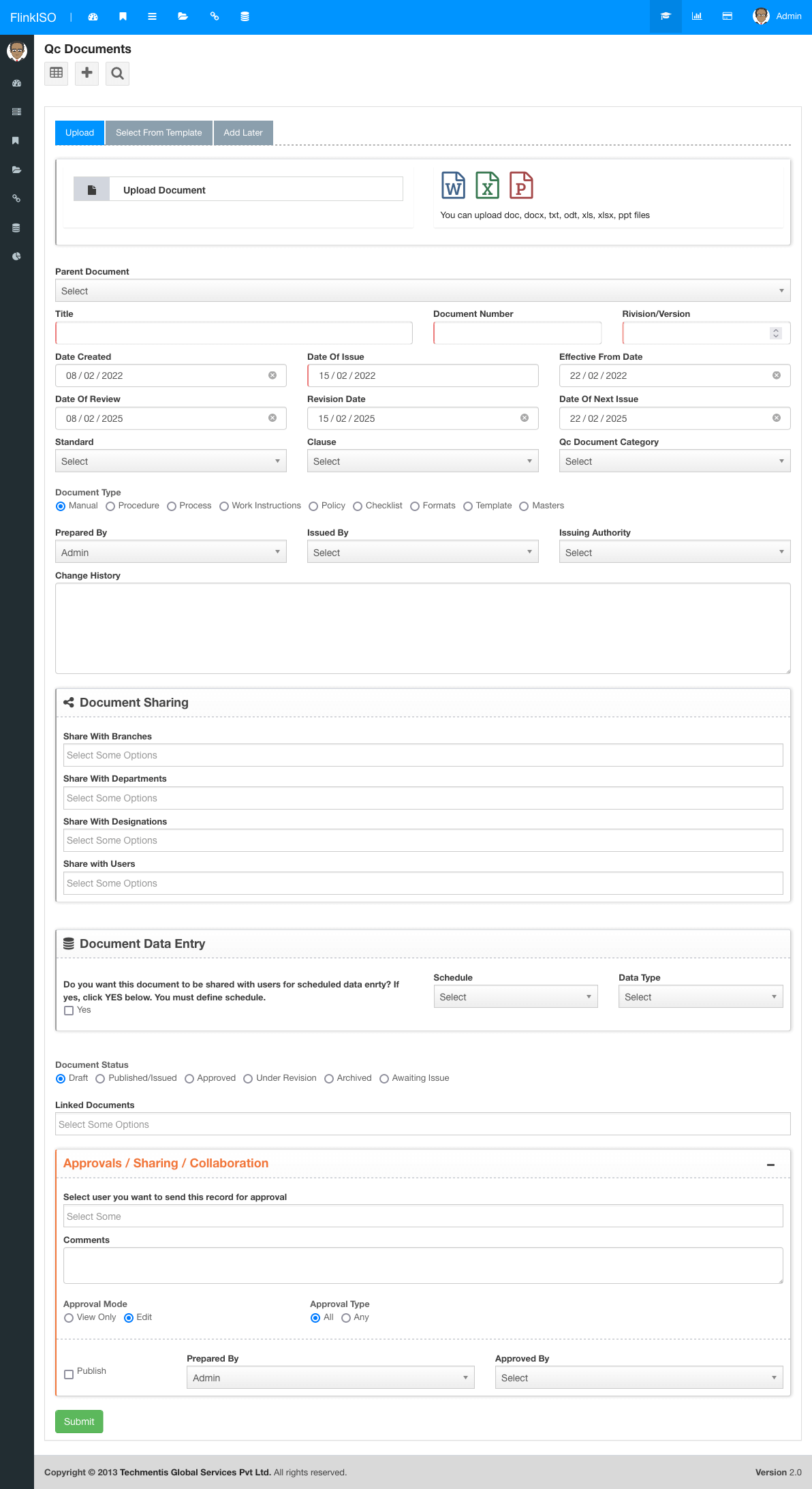
Attach supporting files when they belong with the record but are not the primary controlled document. Use Child Document Forms when the related item needs its own controlled document, generated form and independent record history.
Edit and collaborate
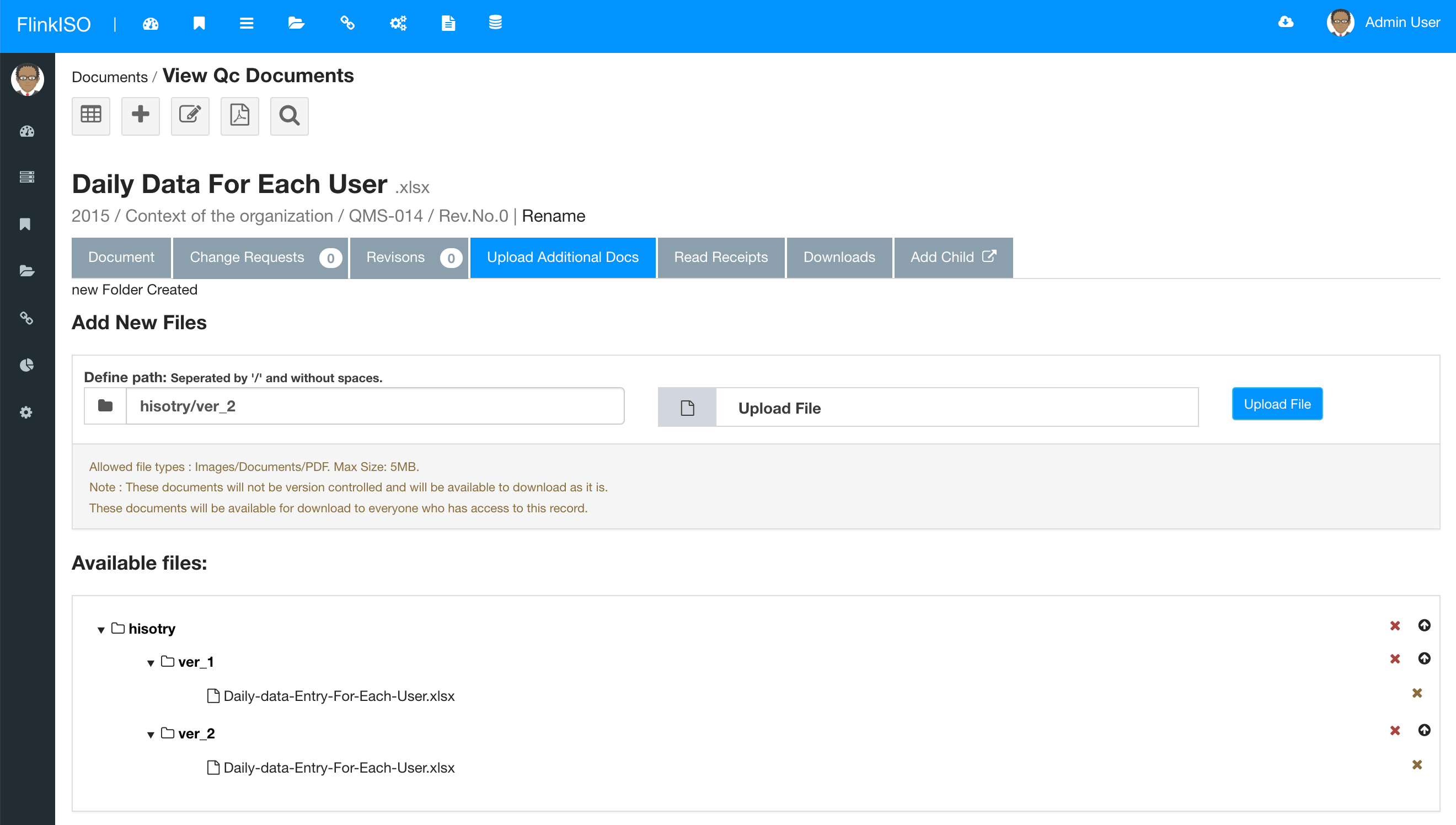
Open the document in ONLYOFFICE to edit supported office files in the browser. Co-authoring, comments and track changes can be used according to the editor and document permissions. FlinkISO retains the controlled record around the file and records changes in its history.
Document history
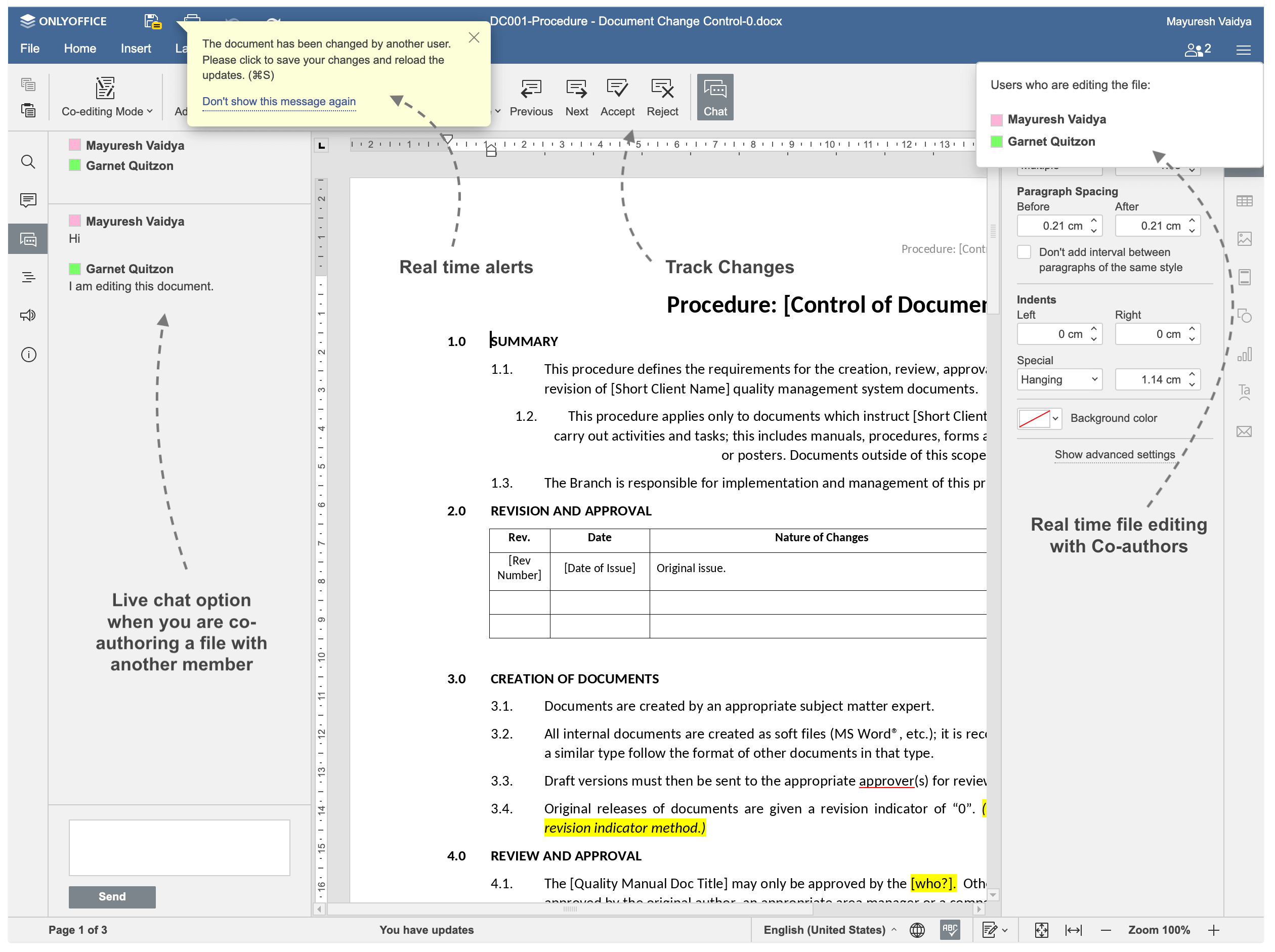
Use the document change history and version controls to see what changed and when. Approval and publication decisions remain part of the record workflow rather than being stored only inside the office file.